Submit your proposals in one click with Bidscope
Buyers throw out bids over a wrong subject line or a missing hard copy. Bidscope reads the submission rules out of the solicitation and follows them: it emails your bid from your own account, uploads it to the buyer's web portal, or prints and mails the package.
Bidscope drafts your submission email from the RFP
Bidscope pulls the submission instructions out of the back of the solicitation and drafts the email to match, down to the address and the required subject line. If the buyer dictates wording for the body, Bidscope writes that in. You skip the hunt through a big document and open a draft that is ready to check.
- Sends through your own Gmail, from your own address
- You read the draft and click Send. Bidscope sends only after that click.
- Bidscope records each completed submission against the proposal
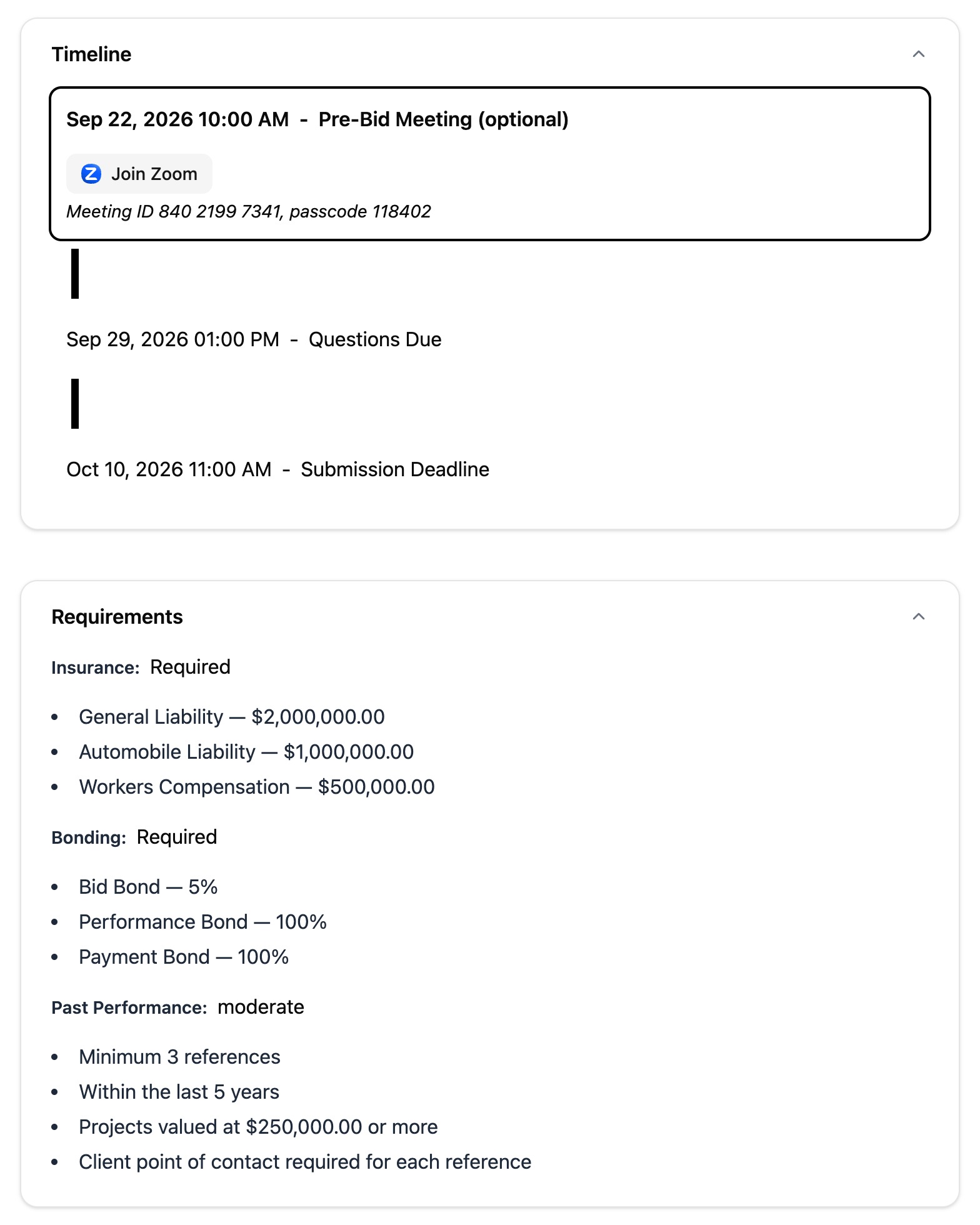
Attachments in the format and size the buyer accepts
The buyer names the accepted file format in the solicitation, and the buyer's mail server caps attachment size. Break the first and the buyer can reject your bid; break the second and the server bounces it. Bidscope handles both before you click Send.
- Converts and merges files to PDF if the solicitation requires it
- Zips and assembles attachments to the rules in the document
- Splits attachments across several emails if a size cap would block one
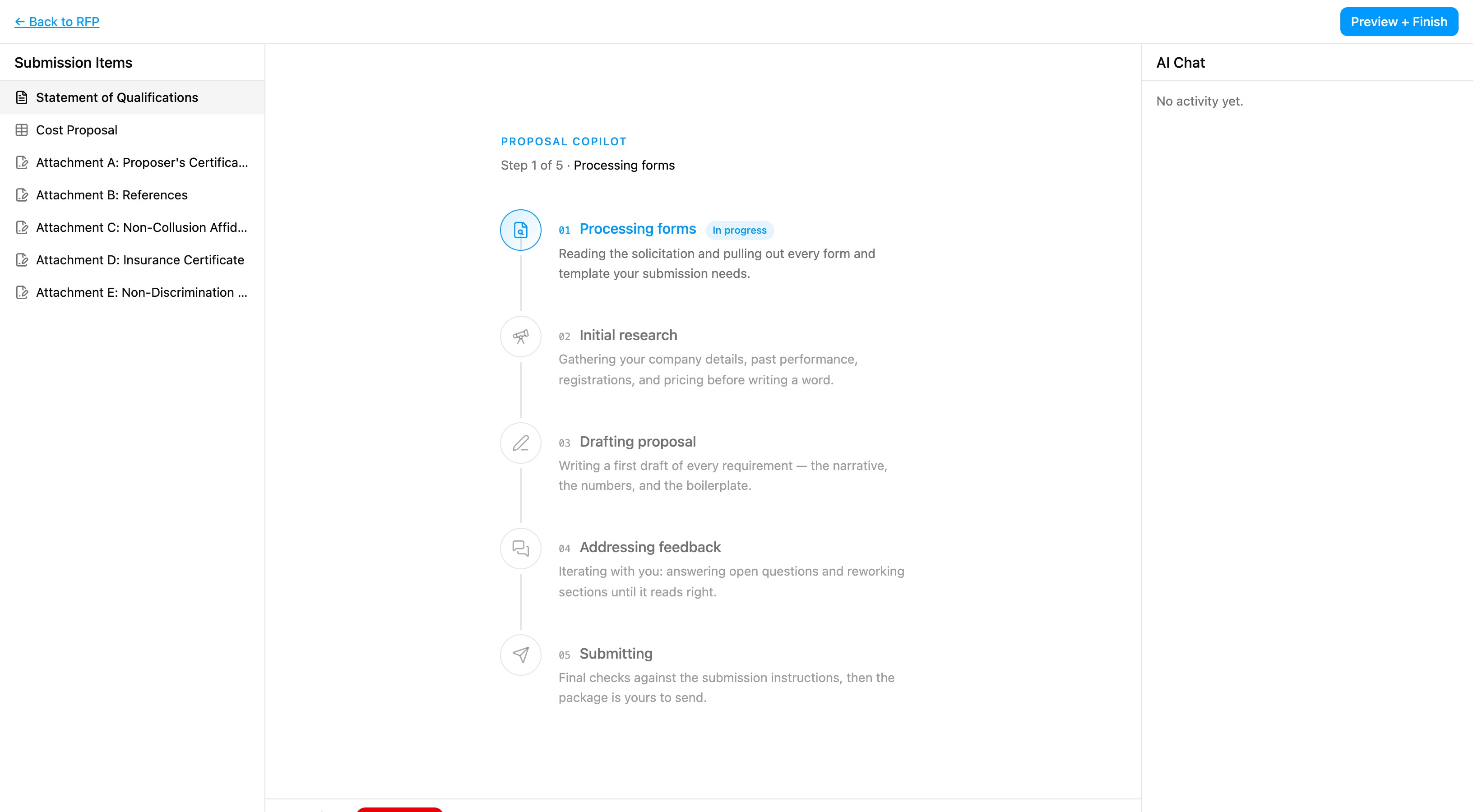
We print your hard copies and put them in the mail
Plenty of buyers want four bound copies and a flash drive, postmarked by Friday. Bidscope pulls the physical requirements out of the solicitation and prices the job. Someone on our team then prints the package and mails it, so you make no trip to the print shop or the post office.
- Reads copy counts, flash drives, envelope marking and sealing out of the document
- Prices the job from the page count and the drives required, and shows you the cost before you pay
- Someone on the Bidscope team prints, packages and mails it
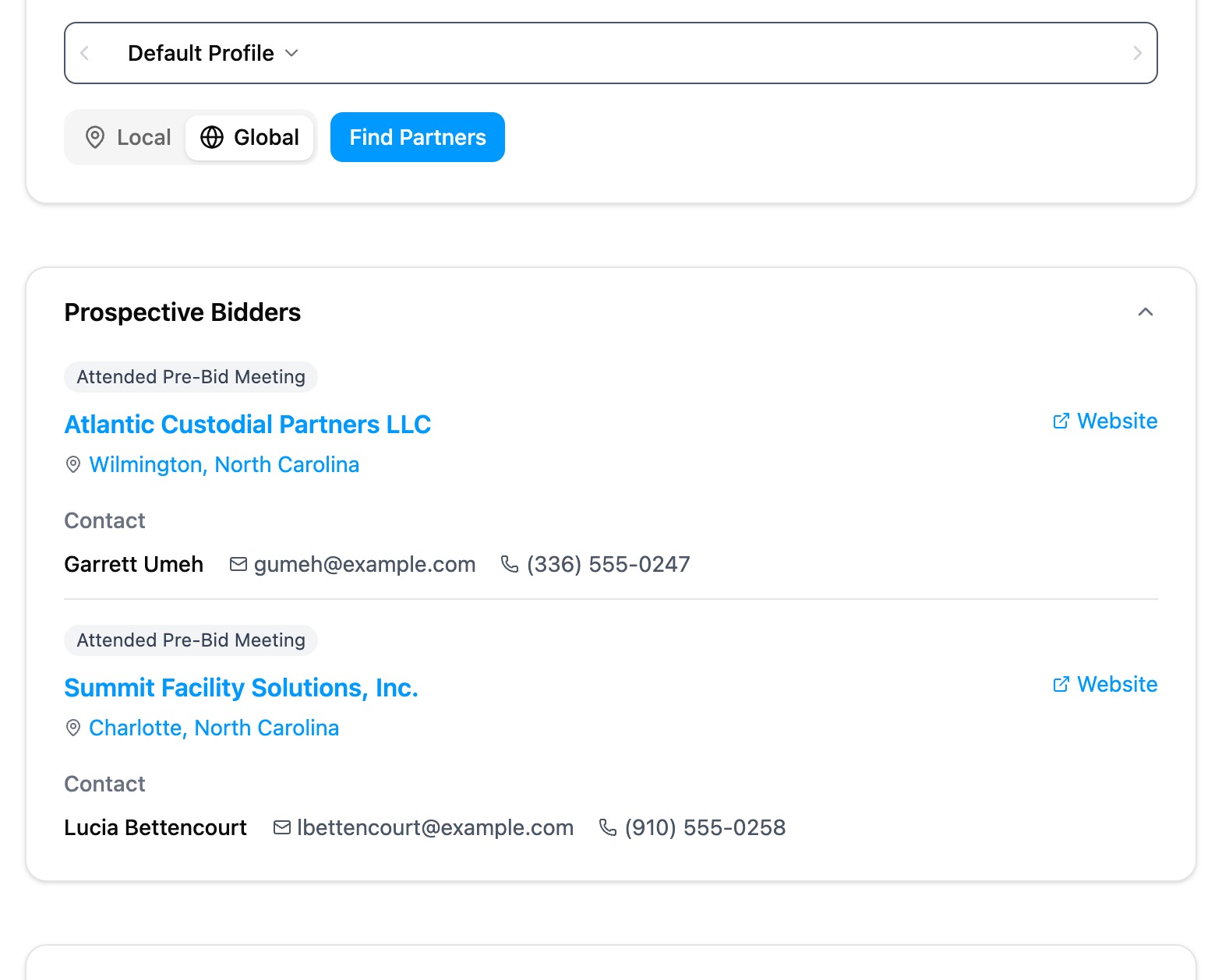
If Bidscope can't submit it, you get the finished packet
Bidscope submits by email, by mail and through the buyer's web portal. If a bid needs a step Bidscope can't take, it says so on the spot and gives you the finished packet to send yourself.
- If the buyer takes bids through a web portal, Bidscope uploads your package there, following the portal's rules
- Bidscope keeps forms that need a notary or a third-party signature out of automated submission, on purpose
- Download is on every proposal, so you can send the packet yourself
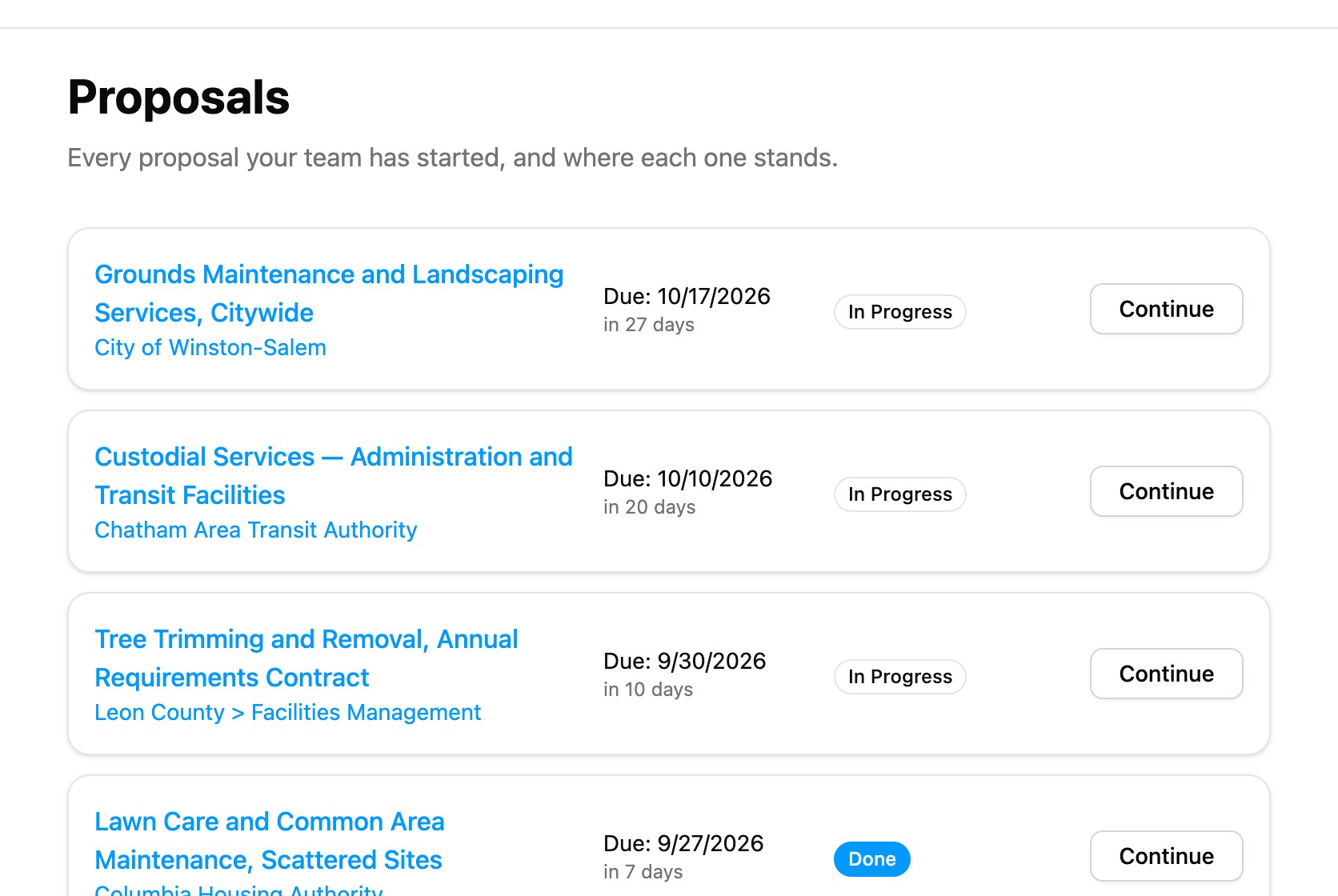
“To date, we have submitted 10 proposals. Completing the first few enabled us to understand how to assess opportunities, write strong proposals, and track our progress internally.”

Stop missing perfect-fit contracts
Join contractors who are discovering opportunities they never would have found otherwise. Get started in minutes.
Starter
- Federal + SLED solicitations
- Federal + SLED contracts
- Federal + SLED vendors, vendor activity, and vendor award history
- Federal + SLED buyers, buyer contacts, and agency award history
- 50,000+ sources daily
- AI-powered matching
- Daily email alerts
- Pipeline tracking
- 1 proposal writing session/month, then $30 each
- Chat support
Submitting a proposal by mail may add printing and postage fees.
Professional
- Everything in Starter
- 15 proposal writing sessions/month, then $30 each
- Access upcoming federal/SLED recompetes
- Federal/SLED procurement forecasts
- AI Federal/SLED agency budget alerts
- AI Federal/SLED meeting notes alerts
- Export contracts, vendors, vendor activity, buyers, and buyer contacts
- GSA eBuy integration
- API + MCP
- SSO
- 10 seats
- Personal onboarding
- Dedicated support
Submitting a proposal by mail may add printing and postage fees.
Business
- Everything in Professional
- Private opportunities
- CRM integration
- Unlimited seats
Want to see it in action first? Book a 15-minute demo